One sentence in.Three designs back.
Say who it's for and what they love. Three designs come back on a real product. Change them by saying what to change, check they'll print, and order the one you'd give.
Opens the studio with your sentence and starts the first round. No account needed.
Pictured: examples. Public-domain art and Vessim lettering on real products. The studio's own designs come from a placeholder generator for now · a note on the pictures
Scene 1: The sentence
Start with a sentence.
Who is it for, and what do they love? A place, a pet, a joke, a date. No design words, no file, no brief to fill in.
Photos. Up to four, or take one with the camera. Crop and filter them right there. They're kept with the brief; designs don't draw from them yet.
For. Signed in, pick someone from People: their size, a date in the next 60 days and their address come with them.
Product. Fifteen product types, or start from any product page. Its photo waits beside the box, the print area marked.
Style. Eight styles, chosen by picture.
Designs. Three a round, or four.
Make them. One press sends the sentence. The words carry into the conversation, where you say what to change.
Eight styles, chosen by picture.
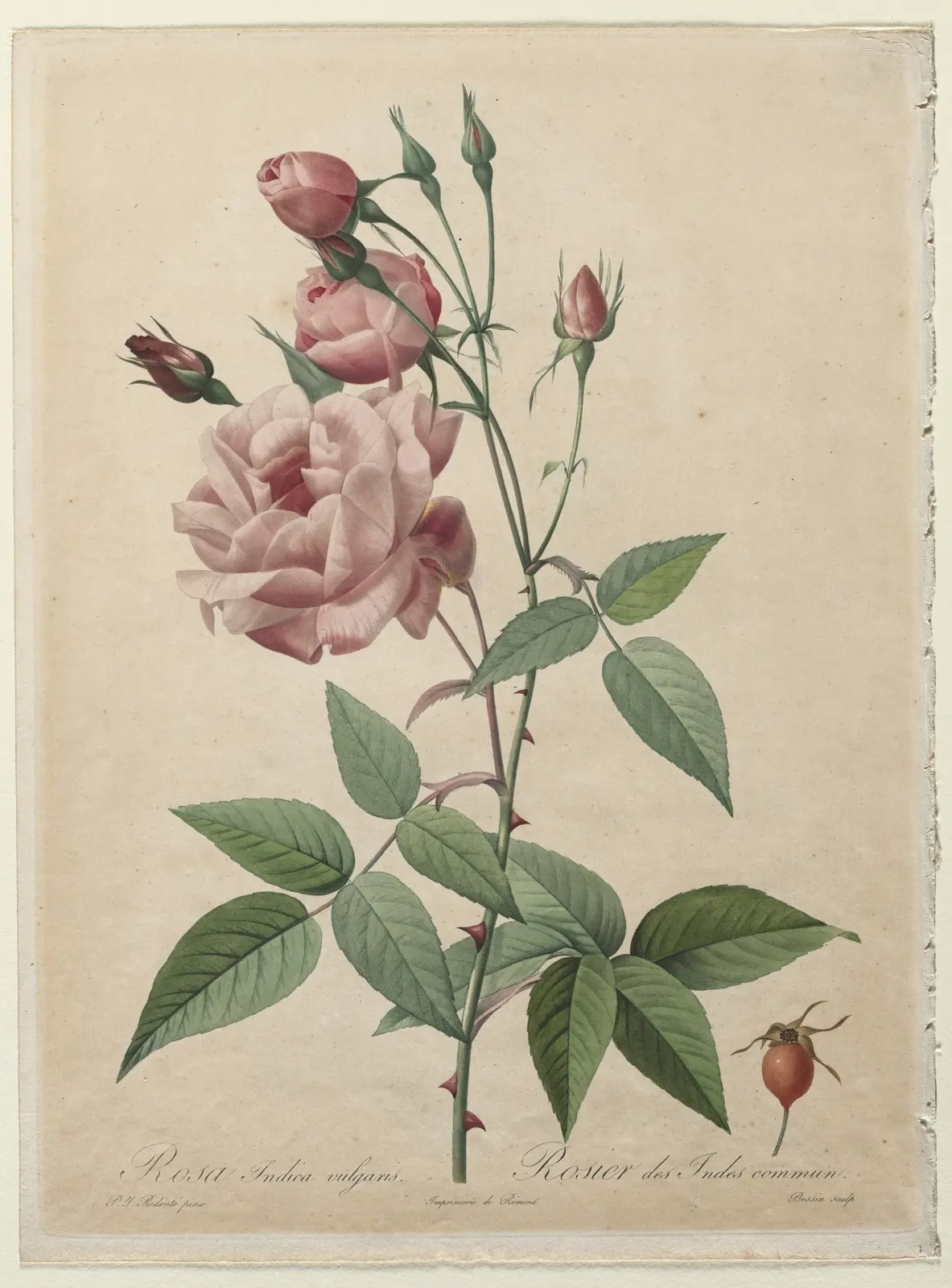
Each picture shows the style's mood: public-domain art and Vessim lettering, credited on the card. They are not designs made in the studio.
 Open the studio in this style: MinimalFew shapes, lots of air
 Open the studio in this style: Line artOne confident line
 Open the studio in this style: WatercolorSoft washes, paper grain
 Open the studio in this style: Vintage posterSpot colour, bold shapes
 Open the studio in this style: Bold typeThe words are the art
 Open the studio in this style: PhotographicReal light, real depth
 Open the studio in this style: Kid-drawnCrayon, wobbly, joyful
 Open the studio in this style: Embroidery-readyFlat shapes that stitch
Or start from a format.
Some things can't be printed: a team's logo, a famous character, a real celebrity. The studio says so and offers three things it can make instead. Content policy
Scene 2: The designs
Three designs come back.
Each one is a different direction, and they develop side by side on the product's own photo. Ask for four if you like.
Scene 3: The change
Change it by saying so.
Warmer. Add her name. Less busy. Each change makes a new round from the design you picked, and every round stays in the Designs strip, so nothing you liked is lost.
- Undo
- ⌘Z goes back, 60 steps deep.
- Keep the good ones
- Star any design, hide the ones you don't want, and put two to four side by side to choose.
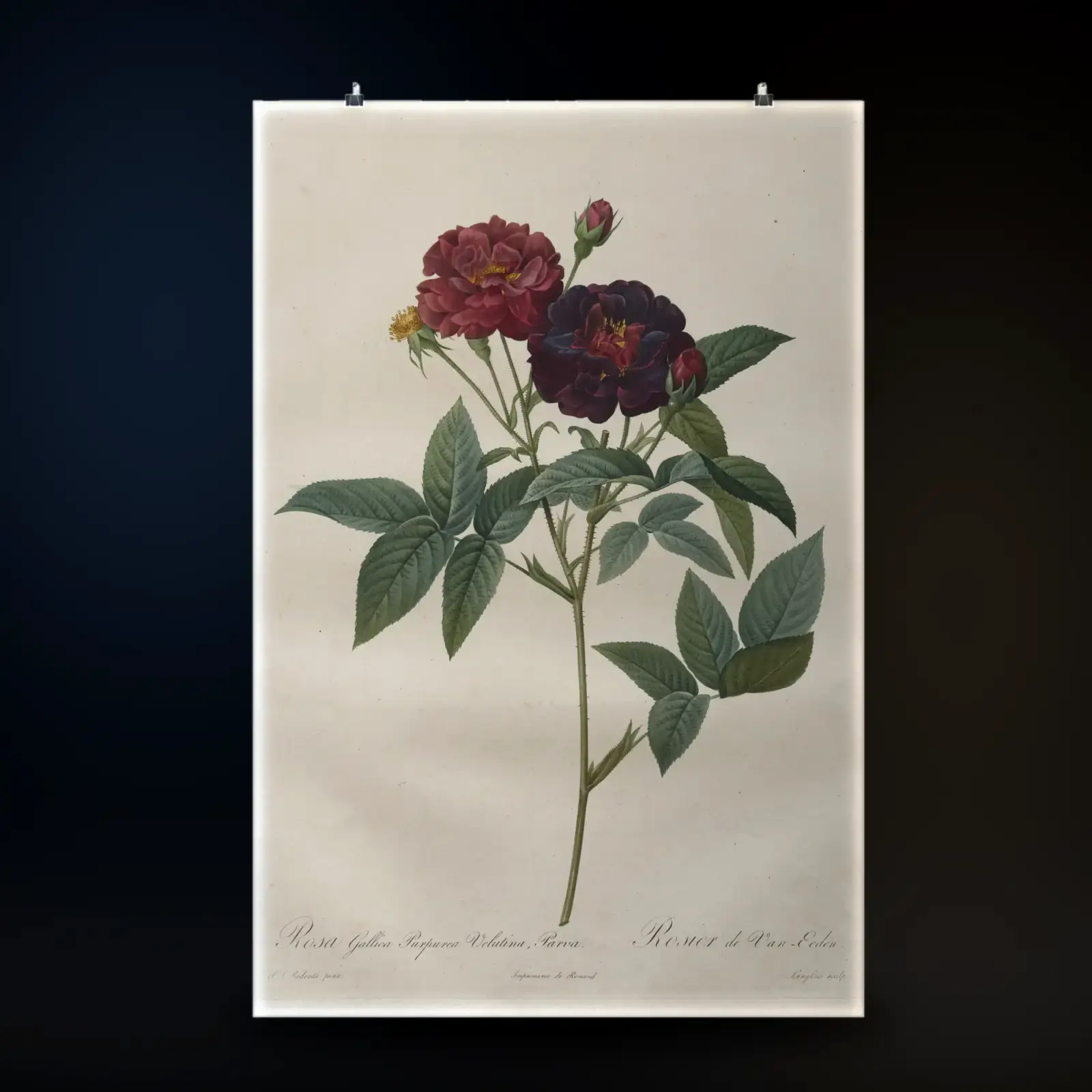
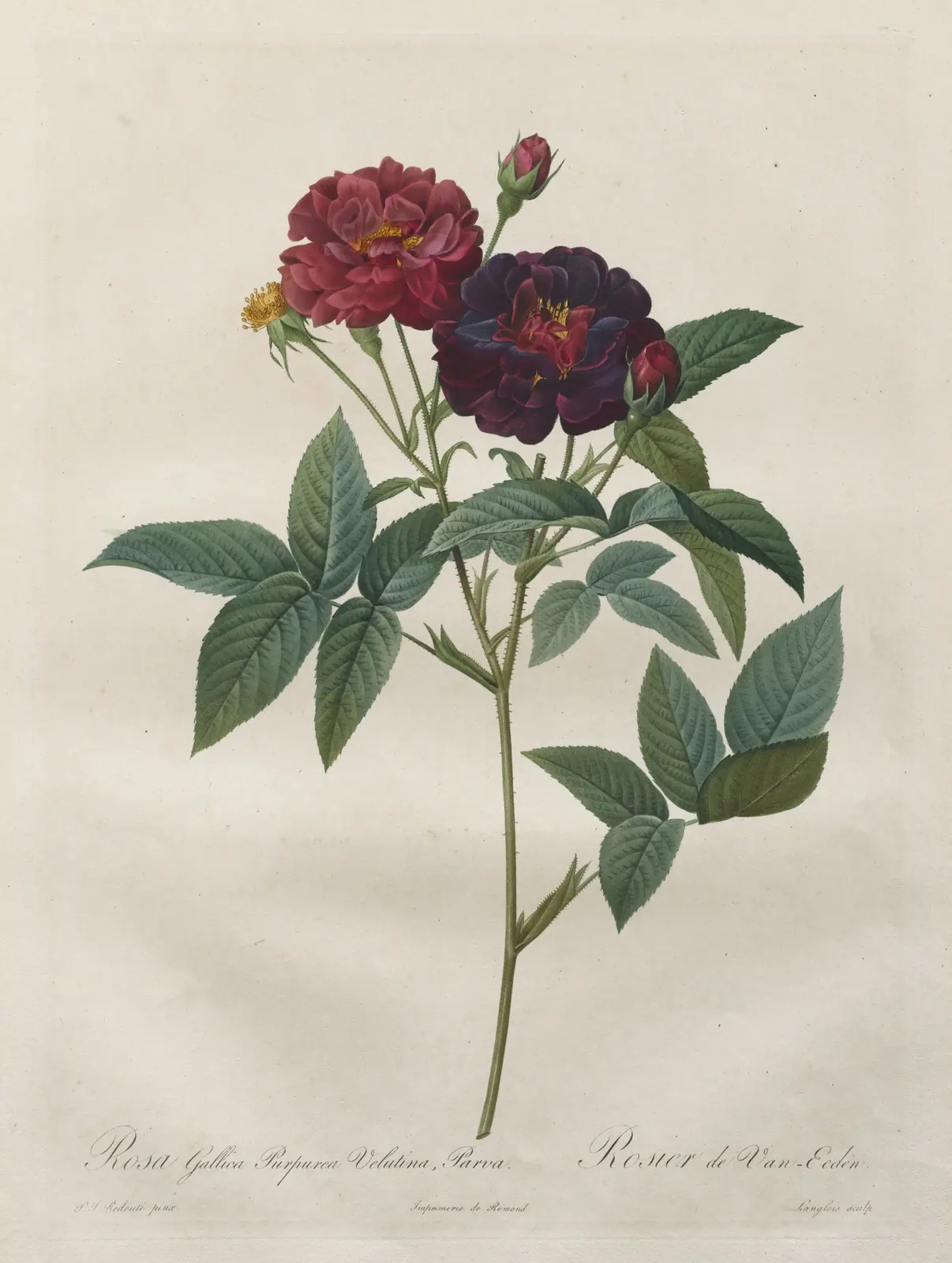
Before: Rosa gallica purpurea velutina parva, from Les Roses, Pierre-Joseph Redouté, the whole plate on the matte poster. After: a closer crop of the roses, without the handwriting.
Scene 4: The uncut take
Thirty seconds, unedited.
A sentence, a round, Adjust and one change, in one take of the real studio as it is today. Press play; nothing downloads until you do.
What happens in the film
- 0:00The studio opens on its first screen: the box for a sentence, and a mug with its print area marked.
- 0:02A sentence is typed: a mug for my dad who surfs at dawn, a big wave and a tiny boat.
- 0:07It is sent, and three designs develop side by side on the mug's own photo.
- 0:11The first design is picked and opens large, on the mug.
- 0:13Adjust opens: the product and the same design on others, the placement handles on the mug, then the text.
- 0:21A change is typed in plain words: make the wave bigger, warmer colours.
- 0:24Round 2 develops from the design that was picked, and the studio answers.
Scene 5: The product
On the real thing.
Every design sits on the product's own photograph, on its print area. In the studio, the same design waits on the eight other products it suits best, one tap away.
Here, one example design on seven products: Rosa gallica, Pierre-Joseph Redouté
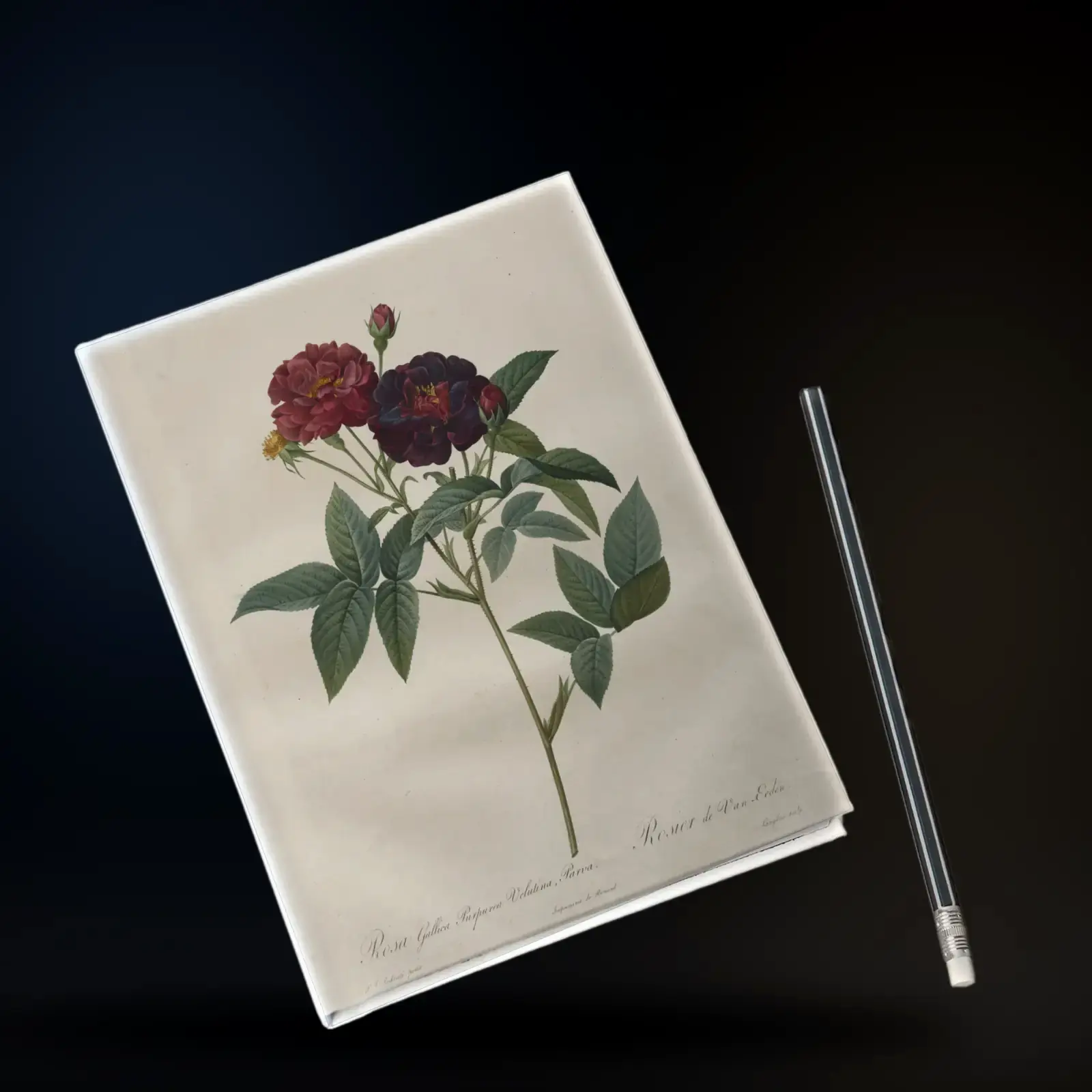
Example 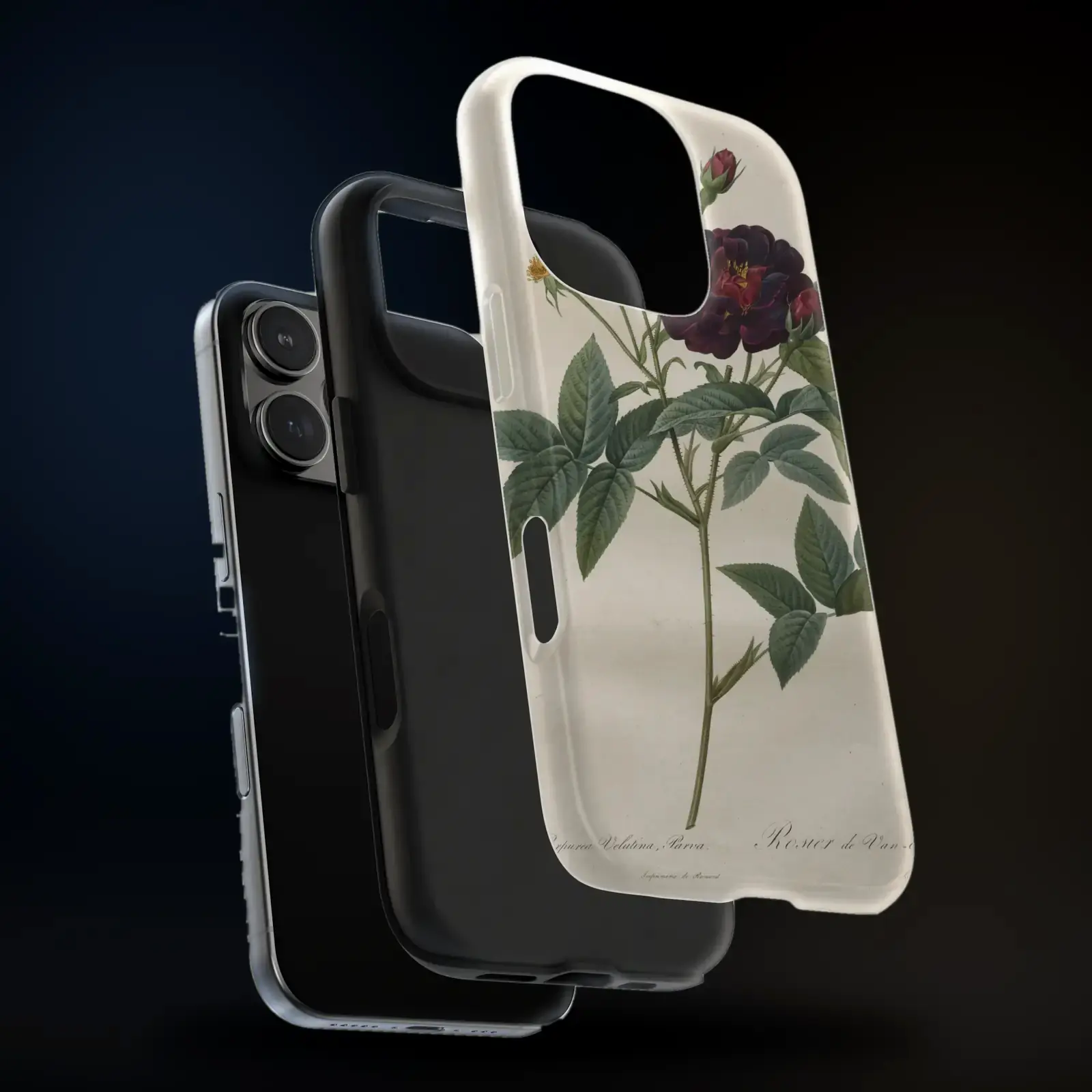
Example 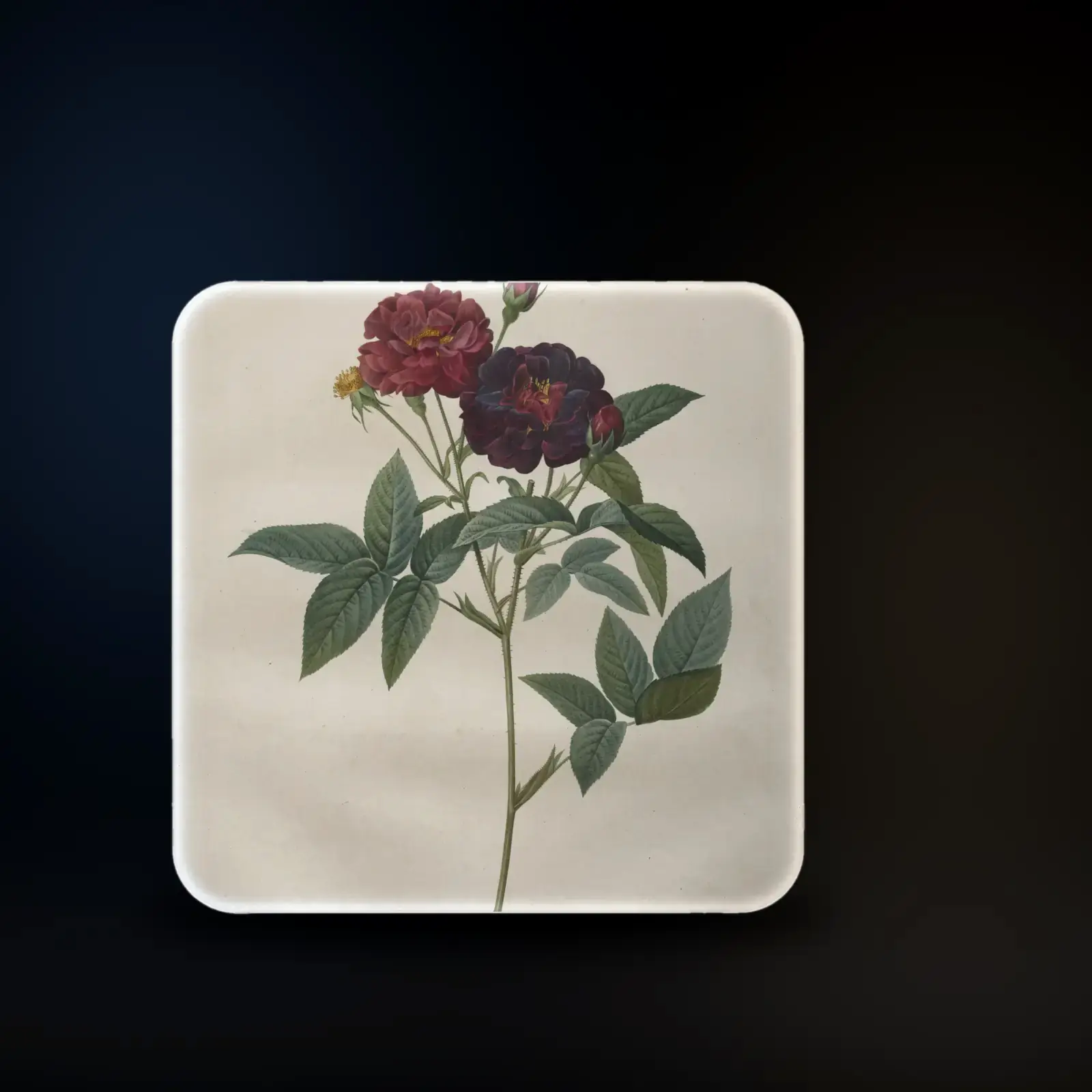
Example
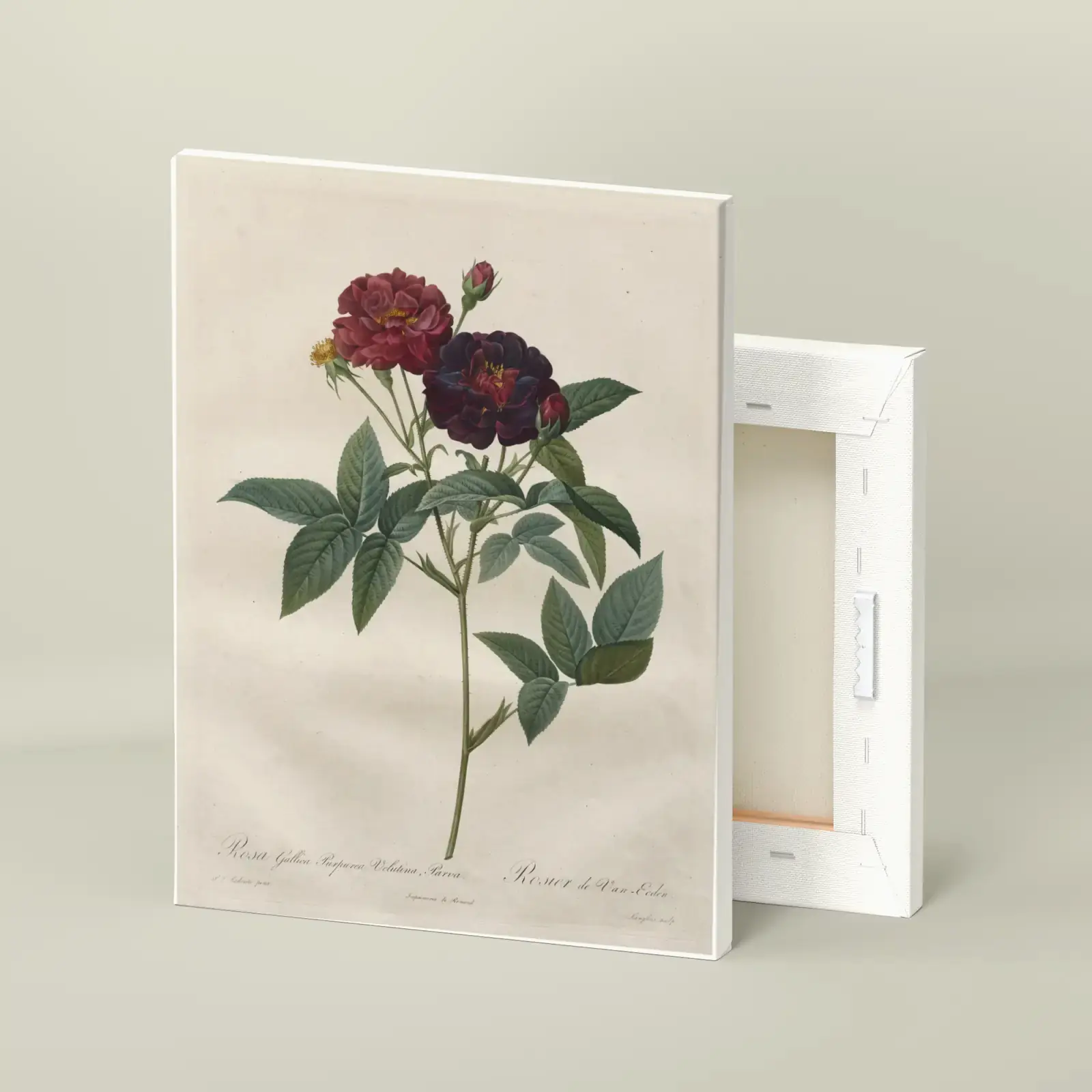
Example 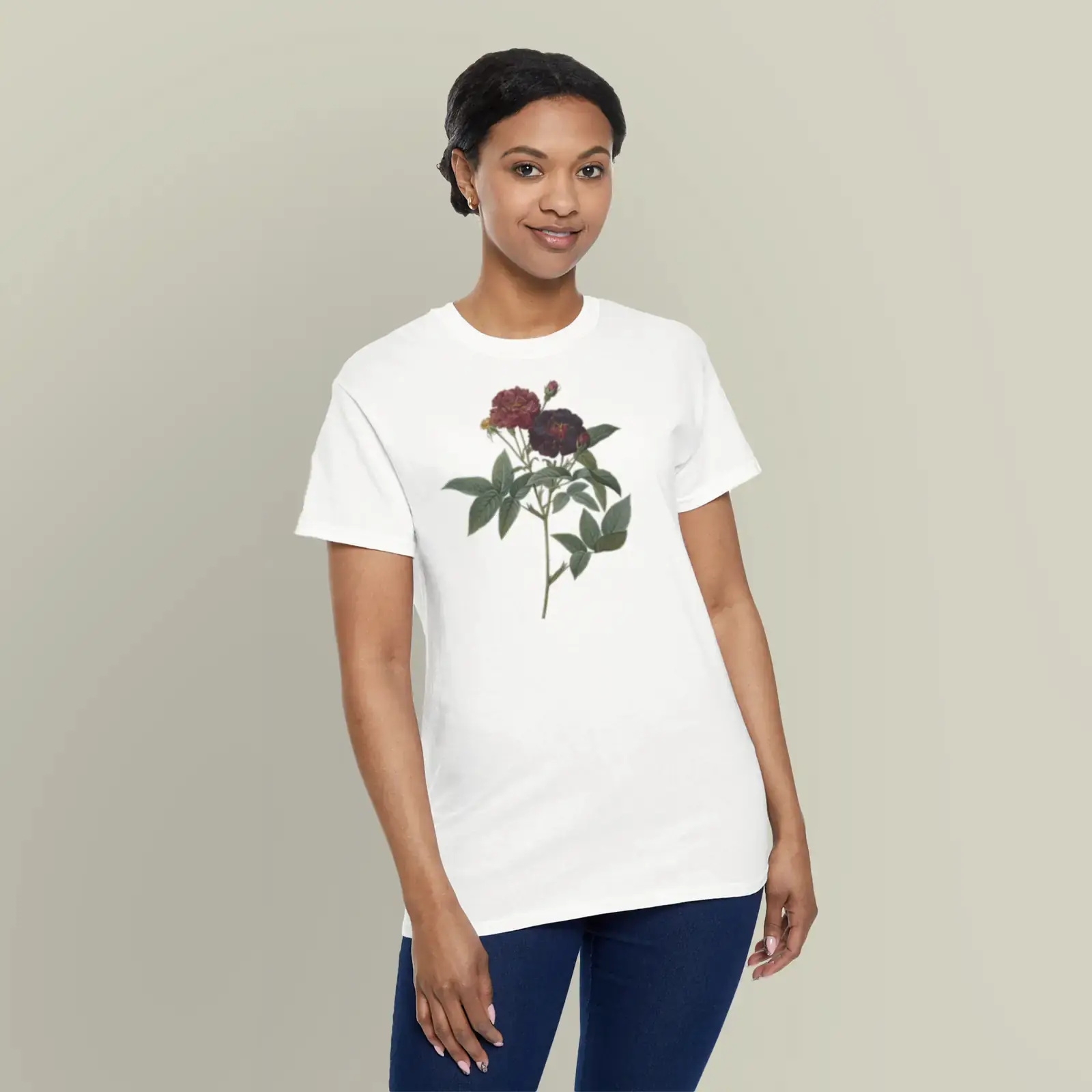
Example (adapted) 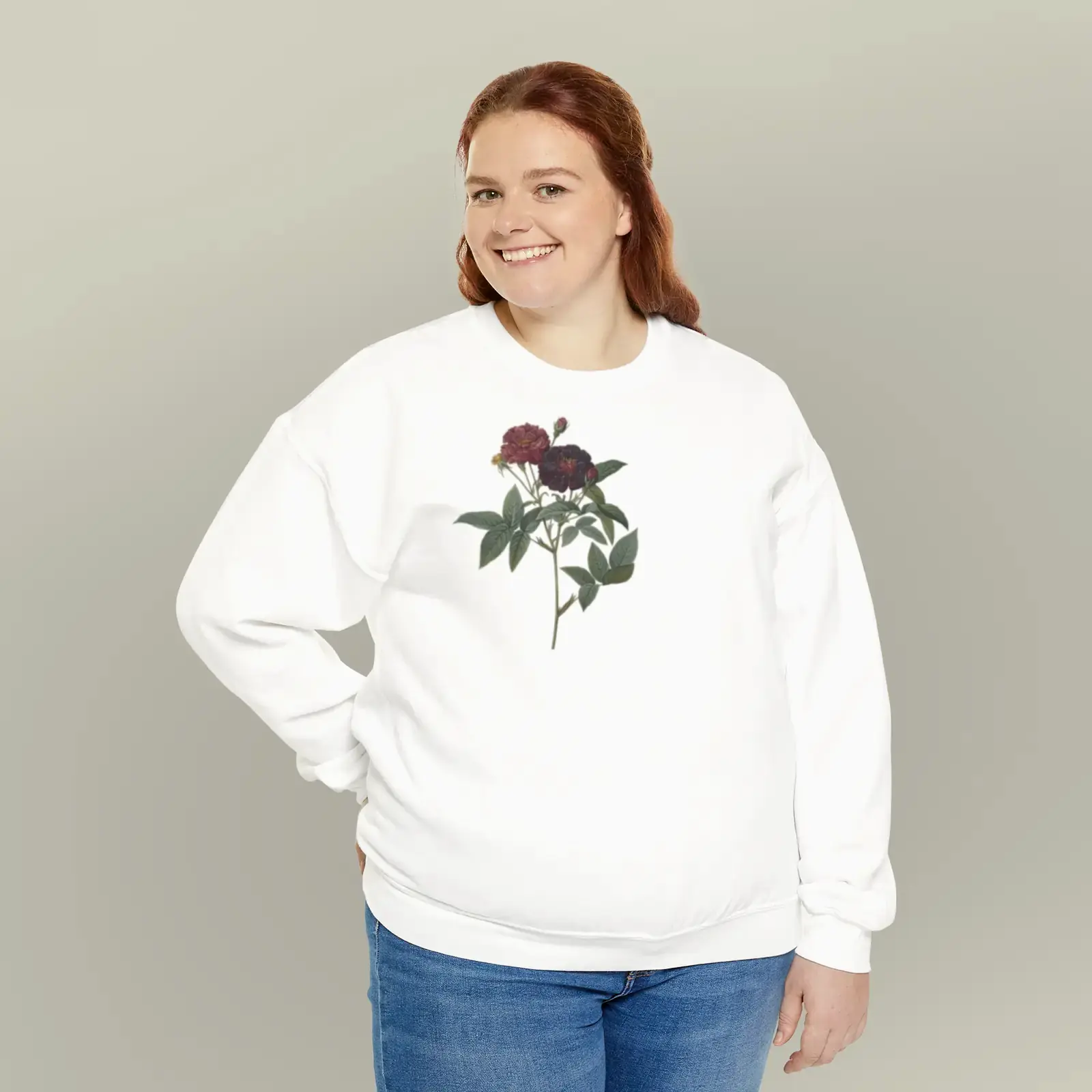
Example (adapted) 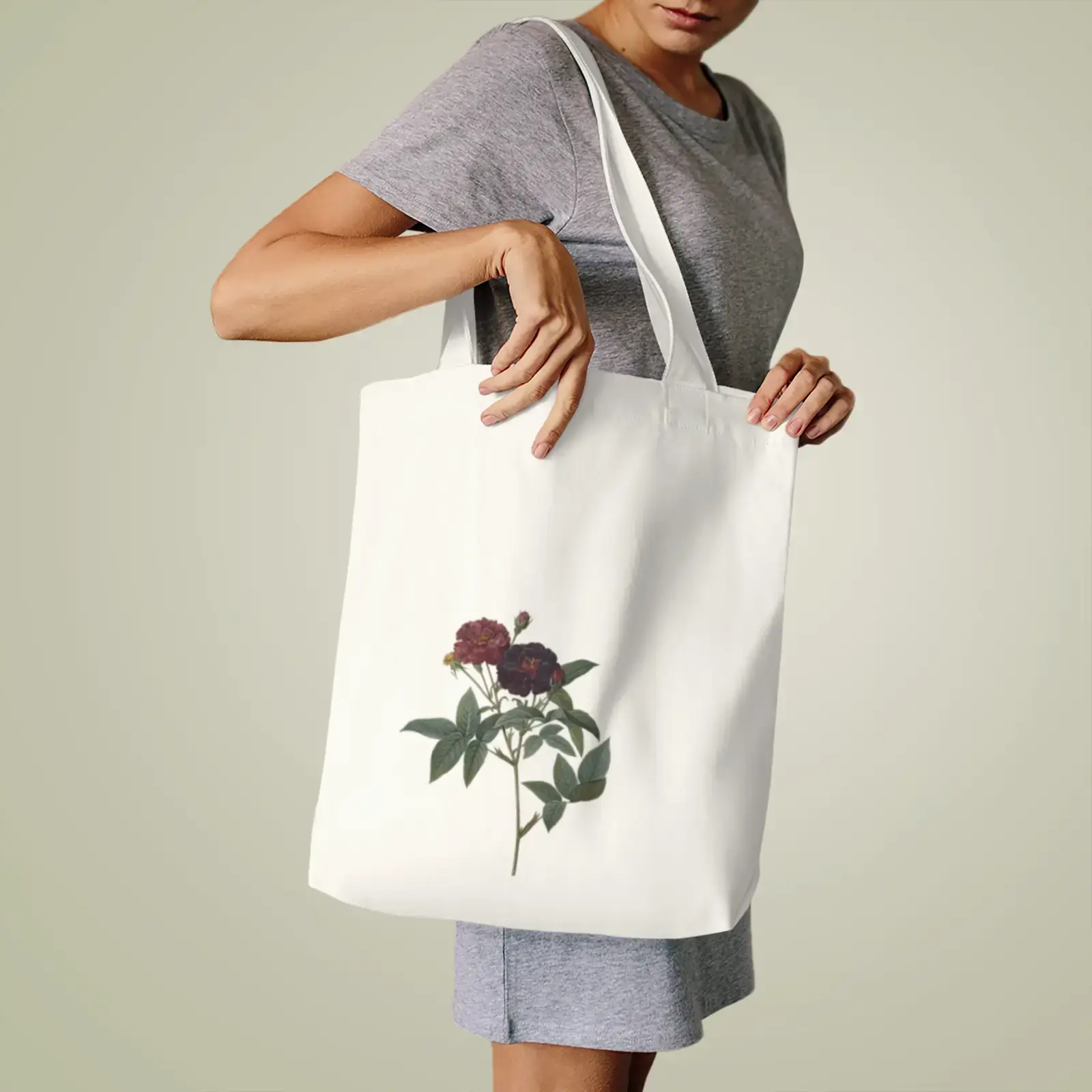
Example (adapted)
On fabric the roses are cut from the plate, as a print shop would. Every tile is an example on a real catalogue product.
Fifteen product types to start from.
Or browse all 2,600+ products- Look closer
- Zoom to 3× and drag to see the print up close.
- Colours and sizes
- The real options from the catalogue, for the product you're on.
- Its own price and date
- Switch products and the price, shipping and arrival dates switch with it.
Scene 6: The fit
Make it sit right.
Drag it on the product, pull a corner, turn the knob, add a line of text. The print check answers the three questions a printer would ask, every time something moves.
Try it. This is the studio's placement and print check, on the matte poster.
Print check
Ready to print
Sharp. Enough resolution for this size.
Fits. Fits inside the print area.
Text reads. No text yet: add a line below and it is checked too.
Try these
Drag the design to move it; it snaps to the middle. Pull a corner to resize, the knob to turn. Arrow keys move it, [ and ] resize, comma and period turn.Tap Edit placement, then drag the design, a corner or the knob. Done lets the page scroll again.
A line of text
- Sharp
- Vector art is sharp at any size. A picture loses sharpness as it's scaled up; the check says when, and offers a sharper round.
- Fits
- The design, turned or not, is checked against the print area with a 3% safe margin. Fit inside puts it right in one click.
- Text reads
- Every line has to be at least 6% of the print width to read once it's printed.
Text comes in five looks. A new line goes under the artwork when there's room, clear of it, and you can edit it, resize it on the product, hide it or remove it.
Scene 7: A second opinion
Ask before you buy.
Put two to four designs side by side and pick. Or send a link: a friend taps the one they like, no account needed, and the votes show up in the studio.
Ask a friend
- A0 votes
- B0 votes
- C0 votes
No votes yet. Tap one on the phone.
makevessim.com/vote/…
Which one should they get?
A friend is deciding between 3 designs. Tap your favourite.
Proud of one? Share it to the gallery. An automatic check runs first, and anything it flags waits for a person before it goes public. See the gallery
Scene 8: The order
Ordered, with a date.
The price is the catalogue price, in Canadian dollars. A postal or ZIP code sets the country, and the dates come from the print partner's own window for it, before you pay.
- The price
- Partner cost × 2.2 × the exchange rate, rounded up. Public, and the same for everyone. How we price a gift
- The dates
- From the partner's standard window, counted in business days from today in their calendar.
- Where and when
- Ship to Canada or the US, and an occasion if there is one: it only sets the holiday cutoff warning.
When would the matte poster arrive?
Canada 5–15 business days · US 2–5
The matte poster is printed by the partner for the country it’s going to.
Christmas 2026: order by Nov 13 for Canada, Dec 18 for the US.
Scene 9: The door
At the door.
The partner that makes it for that country prints it and ships it, tracked. If an item arrives damaged, misprinted or different from the approved design, Vessim reprints it or refunds it within 30 days of delivery, from a photo; nothing has to be shipped back.
- Print partners
- 55, in 10 countries
- Made in Canada or the US
- 91% of the catalogue
- Ships to
- Canada and the United States
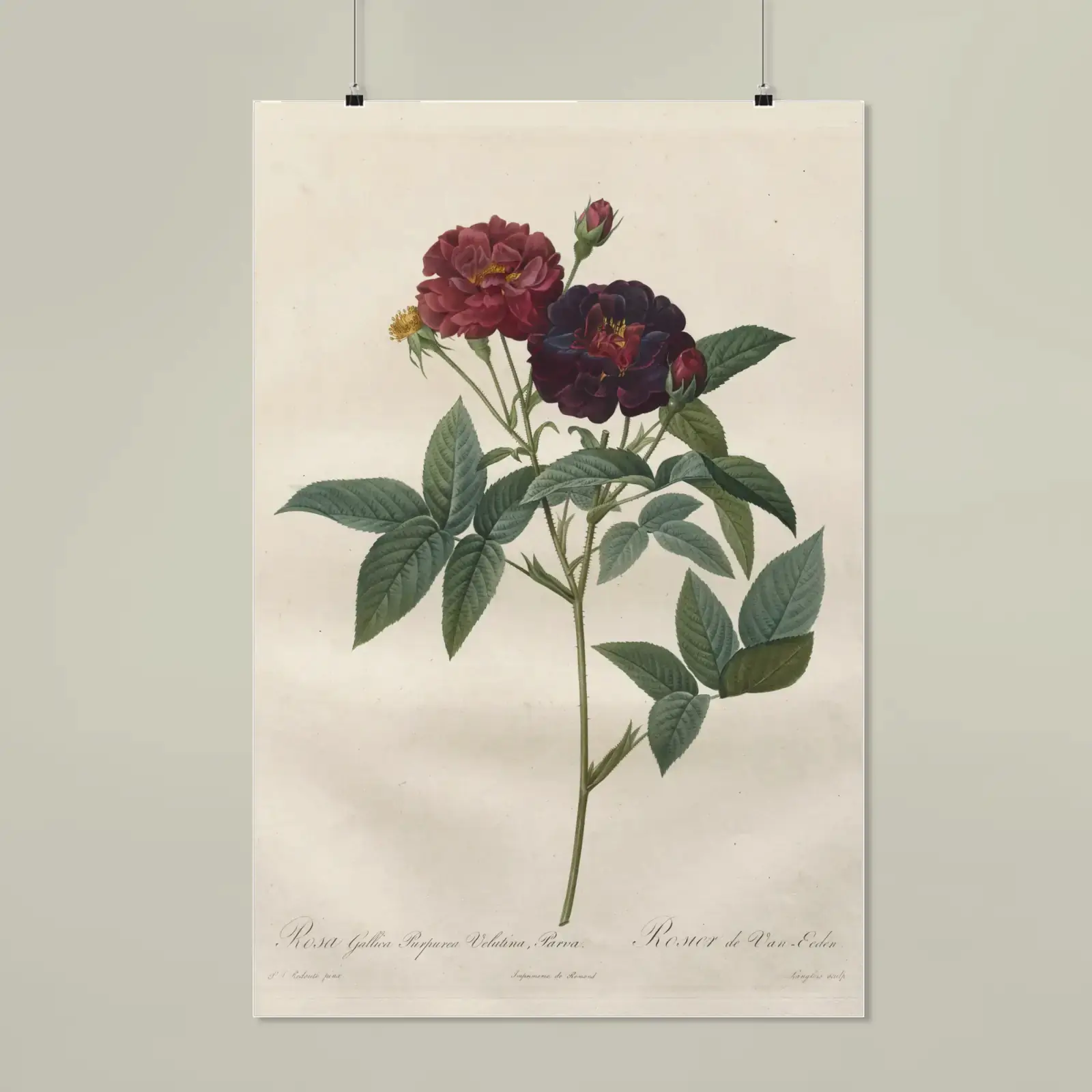
Arriving in 5–15 business days
- Example order
- Matte poster
- Printed in
- United States
- Window
- Canada 5–15 · US 2–5
- DesignedApproved in the studiodone
- PrintingBy the partner for that countryin progress
- ShippedTracked to the doornext
- At the doorReprint or refund if it isn't rightnext
The full list
Everything in the studio.
What you can do in it today, in one place.
The brief
One sentence, a product and a style. Signed in, pick someone from People; an occasion in the next 60 days offers a sentence to start from.
A round
Three designs a round, or four, each a different direction, developing side by side on the product's photo.
Talking it through
Say what to change and a new round comes back from the design you picked. Suggestions sit above the box, with “Three more like this”.
Designs
Every round stays in one strip. Star, hide, compare two to four side by side, see before and after, and undo 60 steps back.
The stage
The product's photo wearing your design, as large as the screen allows. Zoom to 3× and drag.
Placement
Handles on the product: drag to move, a corner to resize from 20 to 300%, the knob to turn up to 45° either way. It snaps to the middle.
Text
Lines of up to 60 characters in five looks and eight colours, 4 to 24% of the print width. Edit, hide, reorder or remove them.
Print check
Sharp, fits, text reads: checked on every change, with a 3% safe margin and a one-click fix for each note.
The product
Colours and sizes from the catalogue. Switch to another product and the design comes with it, with an undo.
Other products
The same design on the eight other products it suits best, one tap to switch.
Delivery
A postal or ZIP code sets the country and gives the arrival dates, the window, the shipping cost and the Christmas cutoff.
Sharing
A vote link friends open without an account, the gallery after an automatic check (anything it flags waits for a person), and a preview to download as SVG.
Saving
No account to start. Your latest design reopens where you left it when you come back.
Photos
Up to four, 20 MB each, or one from the camera. Crop 1:1, 4:5 or free, with five light filters.
Room to work
The conversation and Adjust open beside the product, or fold away. On a wide screen, focus mode keeps only the product, the box, the price and Add to bag.
Keyboard
Single-key shortcuts can be switched off in the studio's shortcut list.
- Command menu
- Command K
- All the shortcuts
- question mark
- Pick a design in the newest round
- 1 to 4
- All designs, or one
- G
- Star this design
- S
- Earlier design
- Option Left arrow
- Later design
- Option Right arrow
- Before and after
- D
- Place the design
- P
- Nudge it while placing (⇧ for bigger steps)
- Left arrow or Right arrow or Up arrow or Down arrow
- Smaller, larger
- left bracket or right bracket
- Turn it
- comma or period
- Undo
- Command Z
- Redo
- Shift Command Z
Keyboard
14 shortcutsSingle-key shortcuts can be switched off in the studio's shortcut list.
- Command menu
- Command K
- All the shortcuts
- question mark
- Pick a design in the newest round
- 1 to 4
- All designs, or one
- G
- Star this design
- S
- Earlier design
- Option Left arrow
- Later design
- Option Right arrow
- Before and after
- D
- Place the design
- P
- Nudge it while placing (⇧ for bigger steps)
- Left arrow or Right arrow or Up arrow or Down arrow
- Smaller, larger
- left bracket or right bracket
- Turn it
- comma or period
- Undo
- Command Z
- Redo
- Shift Command Z
Not in the studio yet
Said plainly, so nothing here surprises you:
- Image generation. The studio's designs come from a placeholder generator until it is switched on.
- Designs drawn from your photos.
- Background removal and upscaling.
- A 3D view with your design on it.
A note on the pictures
The designs and products pictured on this page are examples: public-domain paintings, prints and plates, and lettering by Vessim, photographed on real products from the catalogue. They show the bar we aim for, and each is credited where it appears. Designs made in the studio today come from a placeholder generator while image generation is being connected, and photos you attach don't shape them yet. The film is the real studio, as it is now.
Questions
Questions about the studio.
Do I need an account?
No. Open the studio and type; your latest design reopens when you come back. Sign in when you want to keep people, dates and addresses, or follow your orders.
Is the studio free to use?
Designing and redesigning cost nothing. You pay for the product when you order, at the price shown. There's no subscription.
How many designs do I get?
Three a round, or four if you switch the count. Ask for changes as often as you like: every round stays in the Designs strip, and redesigns are free until you order.
Can I change a design by describing what I want?
Yes. Once a round is back, what you type changes the design you picked: warmer, add her name, less busy. Each change makes a new round from that design. Switch to “Start a new one” to send a fresh sentence instead.
Are the pictures on this page made by the studio?
No. The designs and products pictured here are examples: public-domain paintings, prints and plates, and lettering by Vessim, photographed on real products from the catalogue, and each is credited where it appears. The studio's own designs come from a placeholder generator until image generation is switched on. The film is the real studio, unedited.
What can't the studio make?
Things we can't print, like a team's logo, a famous character or a real celebrity. The studio says so and suggests three things it can make instead. The content policy has the details.
How do I know it will print well?
Every time something moves, the print check answers three questions: will it be sharp, does it fit the print area with a 3% safe margin, and will the words read. It says “Ready to print”, “Prints, with a note” or “Fix before printing”, why, and offers a one-click fix.
Can I use my own photos?
Yes: up to four, each up to 20 MB, or take one with your camera. Crop them 1:1, 4:5 or free and add a light filter right in the studio. They're kept with the brief, though designs don't draw from them yet. Only use photos you took or have permission to use.
Who owns the design?
You do. We don't resell or reuse your designs, photos or prompts.
When will it arrive?
The studio shows the dates before you pay: the print partner's standard window for the country it's going to, counted in business days. Across the catalogue that is typically 30 business days to Canada and 5 to the US. For Christmas 2026, order by Nov 13 for Canada and Dec 18 for the US with standard shipping.
Who's it for?
One sentence is plenty. Three designs come back on a real product, and redesigns are free until you order.